Band and Rope cuts
Put the seam where it hides: drag a Band into a fold, pin it, snap it to an edge, then use Rope to follow a panel line on a hard-surface model.
In the video
- Band: draw it round and drag it into place
- Snap to edges
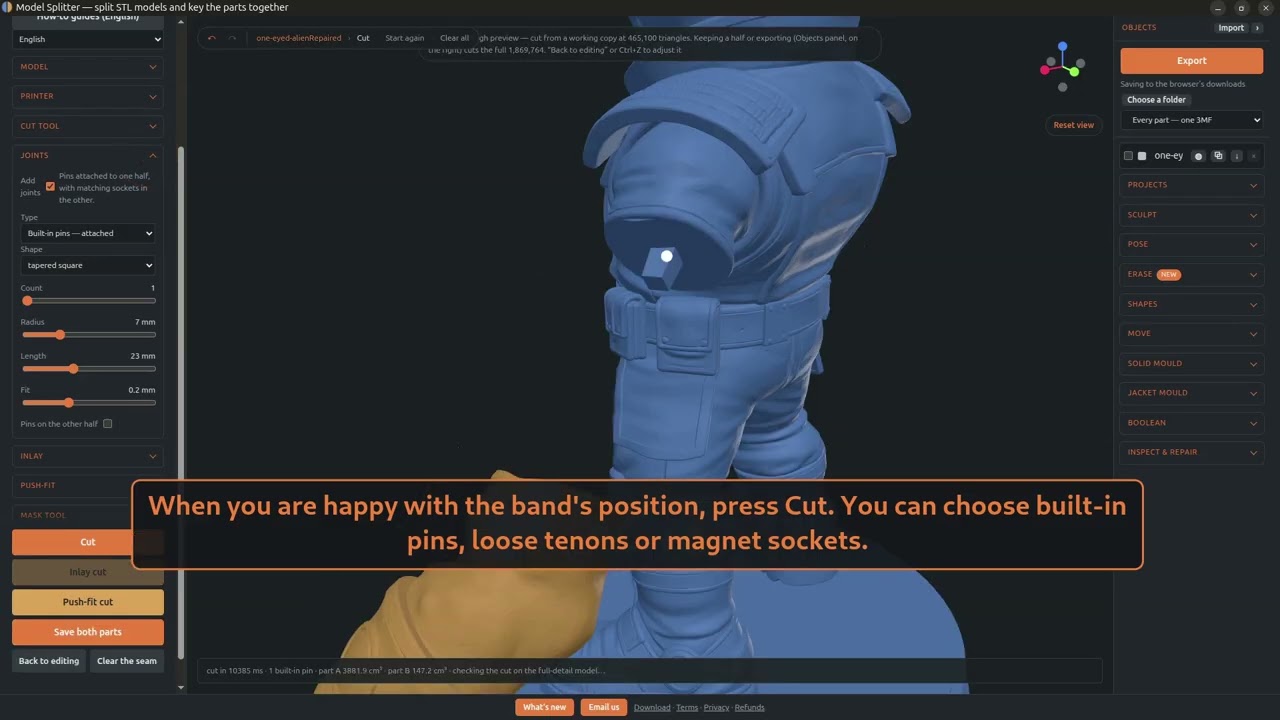
- Cut, with pins, tenons or magnets
- Rope cut on a hard-surface model
- Save both parts
Right-click the band to add a pin: a white dot that holds that point while you drag the rest. New here? Start with Your first cut.
Next: Paint to cut, for arms, hands and anything you can paint round.
Try it on your own model
It runs in your browser, and the model never leaves your computer.
Open Model SplitterTool guideNo model yet? Make one from a photo or a prompt with Tripo AI, then split it here. (An affiliate link: we earn a commission if you subscribe.)